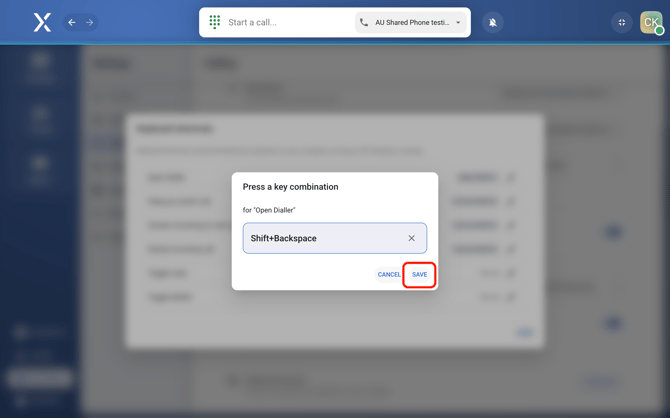
You can customize shortcuts for common actions like answering calls, muting yourself, or hanging up using your keyboard. Hence, helping you stay focused without needing to click around the app.
Configure keyboard shortcuts
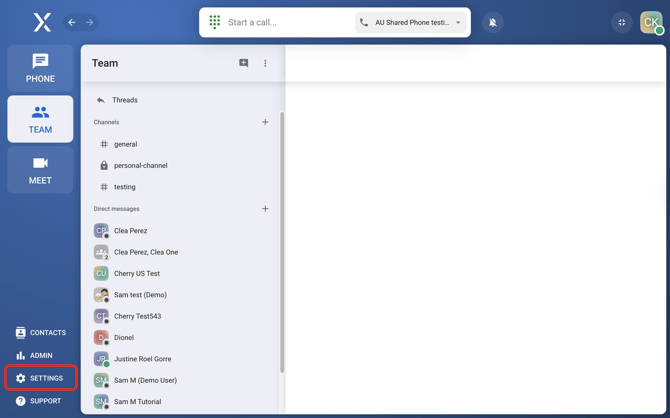
- Open VXT Settings
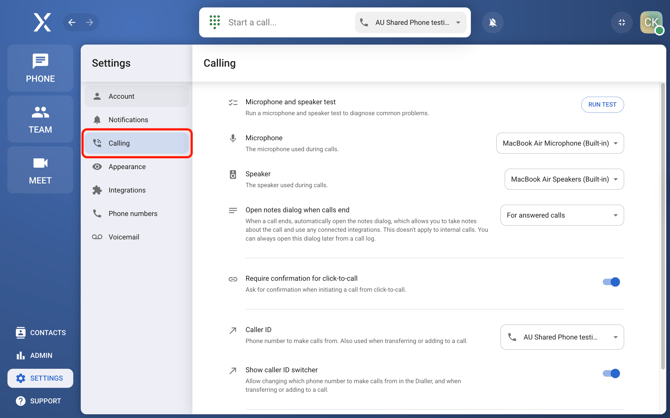
- Select Calling and scroll to the bottom of the page.
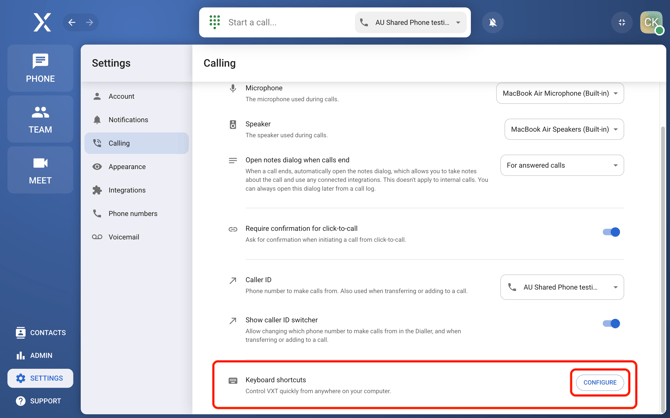
- Click Configure next to Keyboard shortcuts.
- Review the default shortcuts and update them to suit the way you work by clicking on the pencil (
 ) icon to the corresponding shortcut.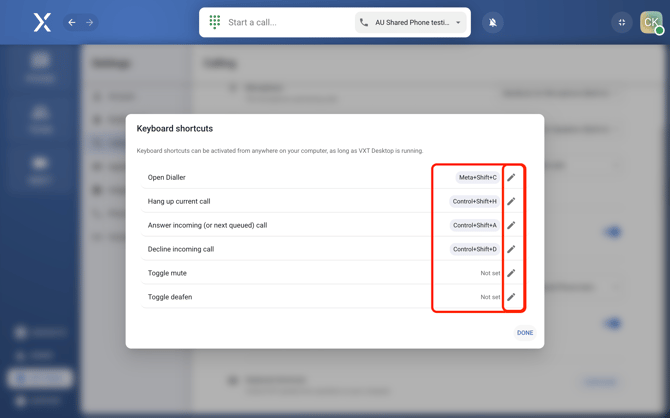
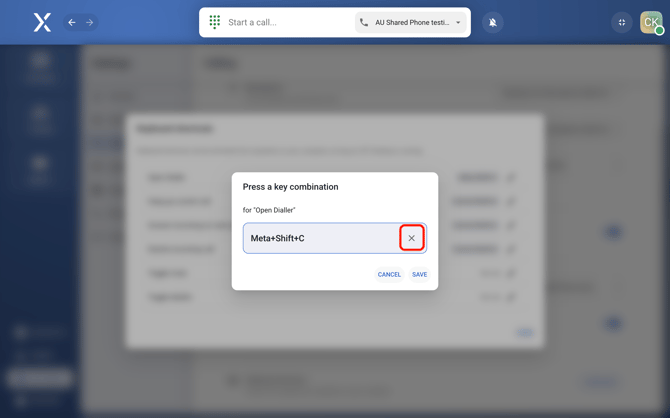
- Click 'x' to clear the command.
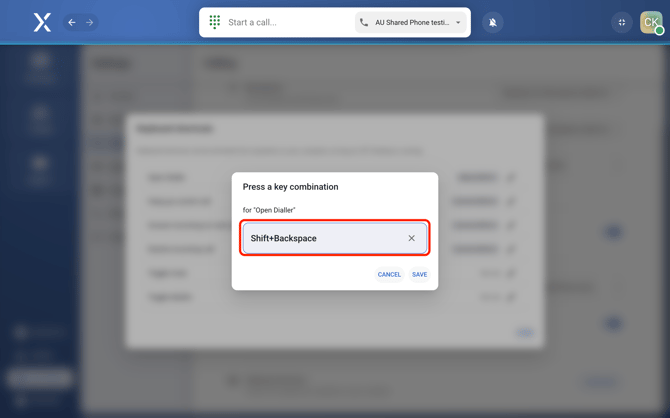
- Press any key on your keyboard to set the shortcut. The key you press will show up in the field.
- Click 'x' to clear the command.
- Hit Save and repeat for other shortcuts.