
You can message members of your team directly on the Team page.
How to send a message to your team
- Navigate to the Team page in the top left corner of the app
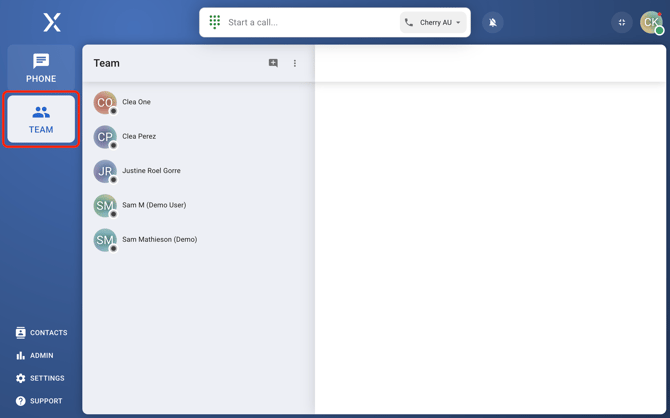
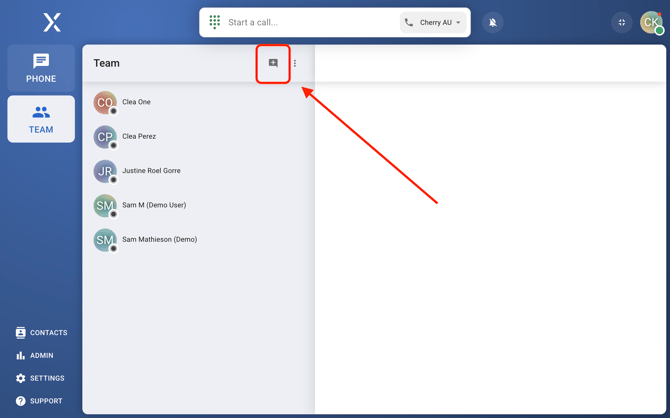
- Select a team mate, or click on the new message icon
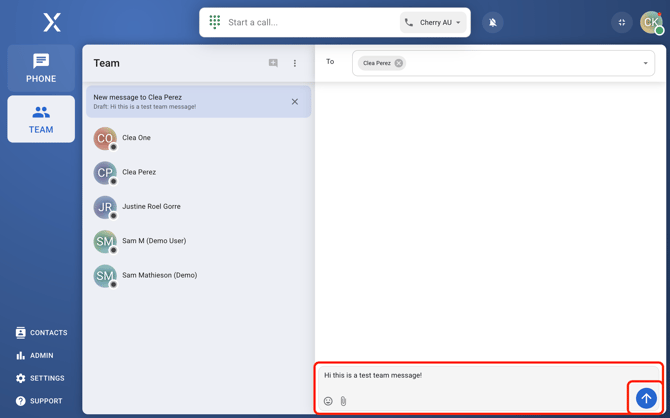
- Type a message, and click on the send icon in the bottom right-hand corner of the app
Frequently Asked Questions
- Can you call a group chat?
No, you can’t call an existing group chat directly. If you need to talk to multiple people at once, you’ll need to start a conference call. - Can I delete messages on the team page?
You can only delete your own messages. Just a heads-up: messages on the Team page don’t show up in Admin > Records, so once you delete them, they’re gone for good. - How do I delete a group chat?
Right now, you can’t delete a group chat itself. But if you clear out all the messages, the chat will disappear automatically.