
Use emoji reactions to quickly respond to calls or messages—no typing needed. It's an easy way to acknowledge something or just have a bit of fun.
-
Hover over a call or message in the 'Phone' or 'Team' Page

-
Select a suggested emoji including ✅ (completed), 👀 (taking a look), 👍 (+1), or the emoji button
 to choose another.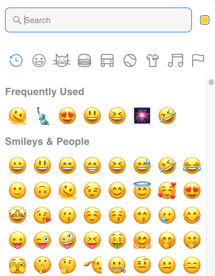
Frequently Asked Questions
-
Can you turn emoji reactions off?
No. - Can you change the suggested reactions?
No.